
Seedream AI
Create or edit images with Seedream AI from a prompt and up to ten reference images. Try one free image, no sign-up needed.
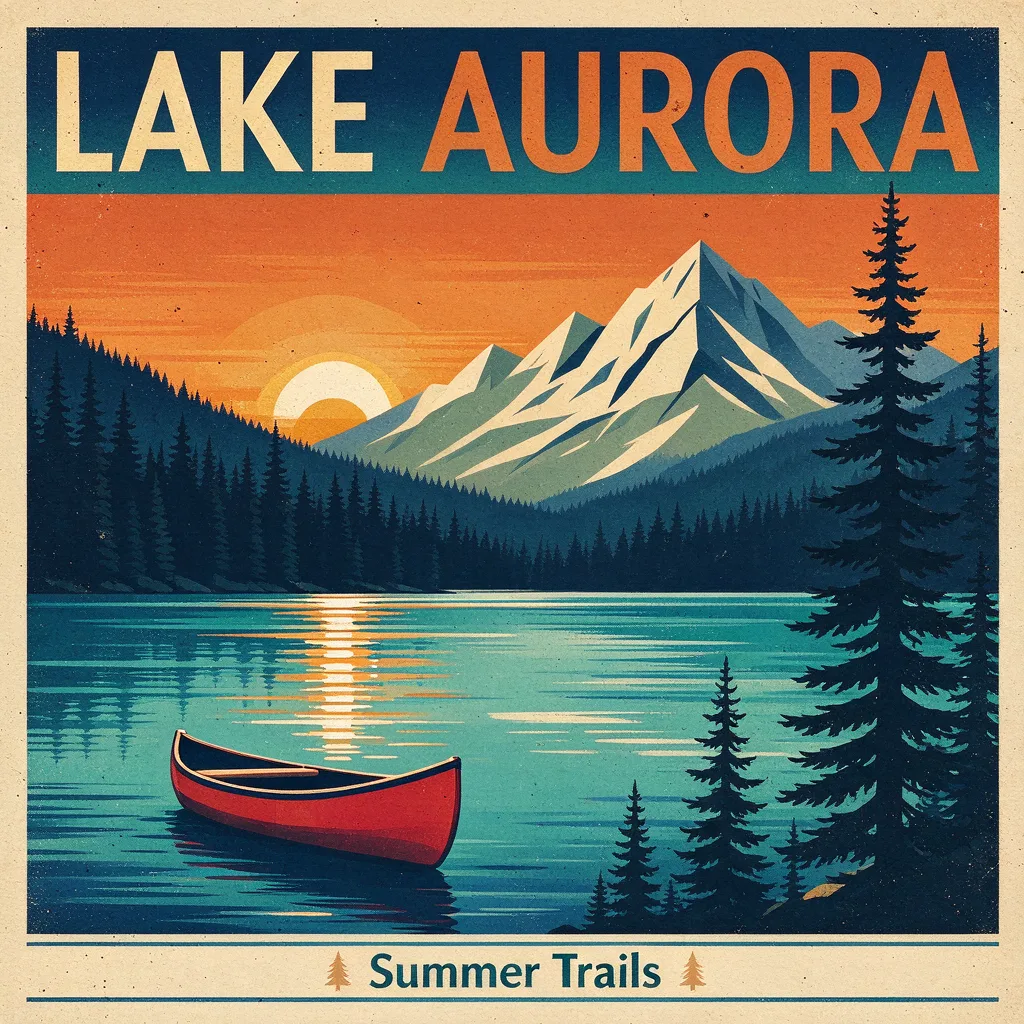
Example result. Describe your image to make yours.
Examples
What Seedream AI does on this page
One prompt box, optional reference images, one finished picture per run.
Seedream AI is a family of image models from ByteDance. This page runs Seedream 5.0 Flash: write a prompt and it creates a picture, or add reference images and it edits or combines them as you ask.
There is no mode switch. The same model does both, so a text-only request and a ten-image edit use the same panel. We are an independent site, not run or endorsed by ByteDance or the Seed team.
Pick an aspect ratio and a size up to 2K. You get one free image, no sign-up and no card.
Describe what to keep in your reference images and what to change. The site adds no watermark. It is still AI output, so compare the result with your original before you use it.
Made for
- Poster and ad ideas
- Product photo edits
- Social posts
- Concept art
- Text in images
- Background swaps
Seedream AI versions on this site, side by side
Each version has its own page; the limits below are what each page allows.
| This page: 5.0 Flash | 5.0 Pro | 5.0 Lite | 4.5 / 4.0 | |
|---|---|---|---|---|
| Sizes | 1K, 1.5K, 2K | 1K, 2K | 2K, 3K, 4K | 4.5: 2K, 4K; 4.0: 1K, 2K, 4K |
| Longest prompt | 4,700 characters | 4,700 characters | 2,700 characters | 4.5: 2,700; 4.0: 4,700 |
| Reference images | 0 to 10 | 0 to 10 | 0 to 10 | 0 to 10 |
| Aspect ratios | 8 ratios | 8 ratios | 8 ratios | 8 ratios |
| Images per run | 1 | 1 | 1 | 1 |
| Open it at | Home page | /seedream-5-pro | /seedream-5 | /seedream-4-5, /seedream-4 |
How to use Seedream AI online
Three steps from an idea to a downloaded image.
- 1
Write the prompt for Seedream AI
Describe the picture, or the change you want to a reference. Put any words the image should show in quotes, such as a headline that reads "Summer Sale". The prompt is required. A short, concrete request works better than a list of adjectives: name the subject, the setting and the light.
- 2
Add reference images if you have them
Click the upload tile or drag in up to ten files: JPG, PNG, WebP or HEIC, 10 MB each. Large photos are shrunk in your browser first. Say what to keep as well as what to change. With no image the page creates from text alone; with images it edits or combines them as the prompt says.
- 3
Choose a shape and generate
Pick one of eight aspect ratios and a size, then press Generate. The result appears beside the tool and the Download button saves the file. Wait a couple of seconds before a second run. One image comes back per run, so decide the ratio first: 16:9 for banners, 9:16 for stories, 1:1 for posts.