
Seedream 5.0 Pro
Create or edit images with Seedream 5.0 Pro from a prompt and up to ten reference images, at 1K or 2K. Try one free image, no sign-up needed.
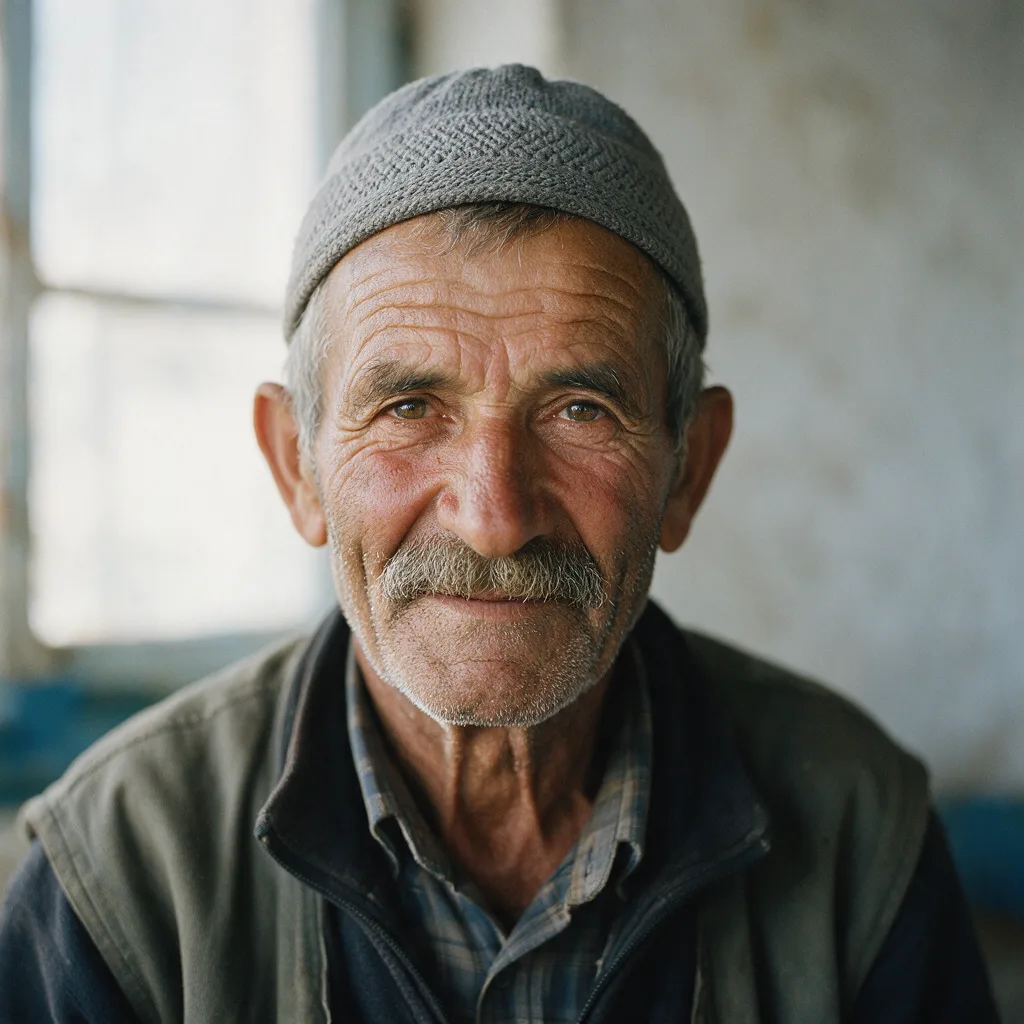
Example result. Describe your image to make yours.
Examples
Why use Seedream 5.0 Pro here
One fixed model, a long prompt box and room for ten reference images.
A prompt of up to 4,700 characters
Write a full creative brief instead of a short caption: subject, layout, lighting and any words the image must show. The prompt is required, so every run starts from your own description.
Up to ten reference images
Add none to create from text, or add 1 to 10 JPG, PNG, WebP or HEIC files of up to 10 MB each to edit or combine them. Say which details to keep and which to change.
Put your image's headline in quotes
Put the words an image should show in quotes, like a poster headline. Quoted words tell the model exactly what to write, so check spelling and details on every result.
Eight aspect ratios, 1K or 2K
Pick 1:1, 4:3, 3:4, 16:9, 9:16, 2:3, 3:2 or 21:9, then 1K or 2K. This page tops out at 2K; the 5.0 page offers 3K and 4K.
No sign-up, no watermark from us
Try one free image with no account and no card. The site adds no watermark. Your prompt and reference images are only used to create your images and are never used to train AI models.
An independent site
This page is for Seedream 5.0 Pro. It is not run or endorsed by ByteDance or the Seed team.
What to make with Seedream 5.0 Pro
Jobs that need a long brief, exact words or several references.
Posters and covers with a headline
Quote the title, the date and the tagline, describe the layout, and pick 2:3 or 3:4. Proofread the lettering before you print or post.
Product shots from a plain photo
Upload your product photo and ask for a new scene. Say what to keep, such as shape, label and color, and what to change, such as the surface and the light.
Mood boards and combined looks
Add up to ten references for a face, a palette, a material and a layout, and name the role of each in the prompt. Fewer, clearer references give the model less to reconcile.
Vertical posts and stories
Choose 9:16 for stories, shorts covers and phone wallpapers, and write the scene for a tall frame.
Wide banners and headers
Use 21:9 or 16:9 for site headers, channel art and slide backgrounds, and ask for empty space where text will go.
Photo edits
Swap a background, change an outfit color or restyle a scene while your prompt asks to keep the person. Compare the result with your original.
How to use Seedream 5.0 Pro online
Three steps from brief to download.
- 1
Write the prompt
Describe the subject, setting, light and style. Put any words the image should show in quotes.
- 2
Add references if you want to edit
Click the upload tile or drag in up to ten images. Say what to keep as well as what to change. With no image the page creates a picture from the text.
- 3
Choose ratio and resolution, then generate
Pick an aspect ratio and 1K or 2K, and press the button. You get one image per run; download it from the result area before you reload the page.