
Seedream 5.0
Create or edit images with Seedream 5.0 Lite from a prompt and up to ten reference images, at 2K, 3K or 4K. Try one free image, no sign-up needed.
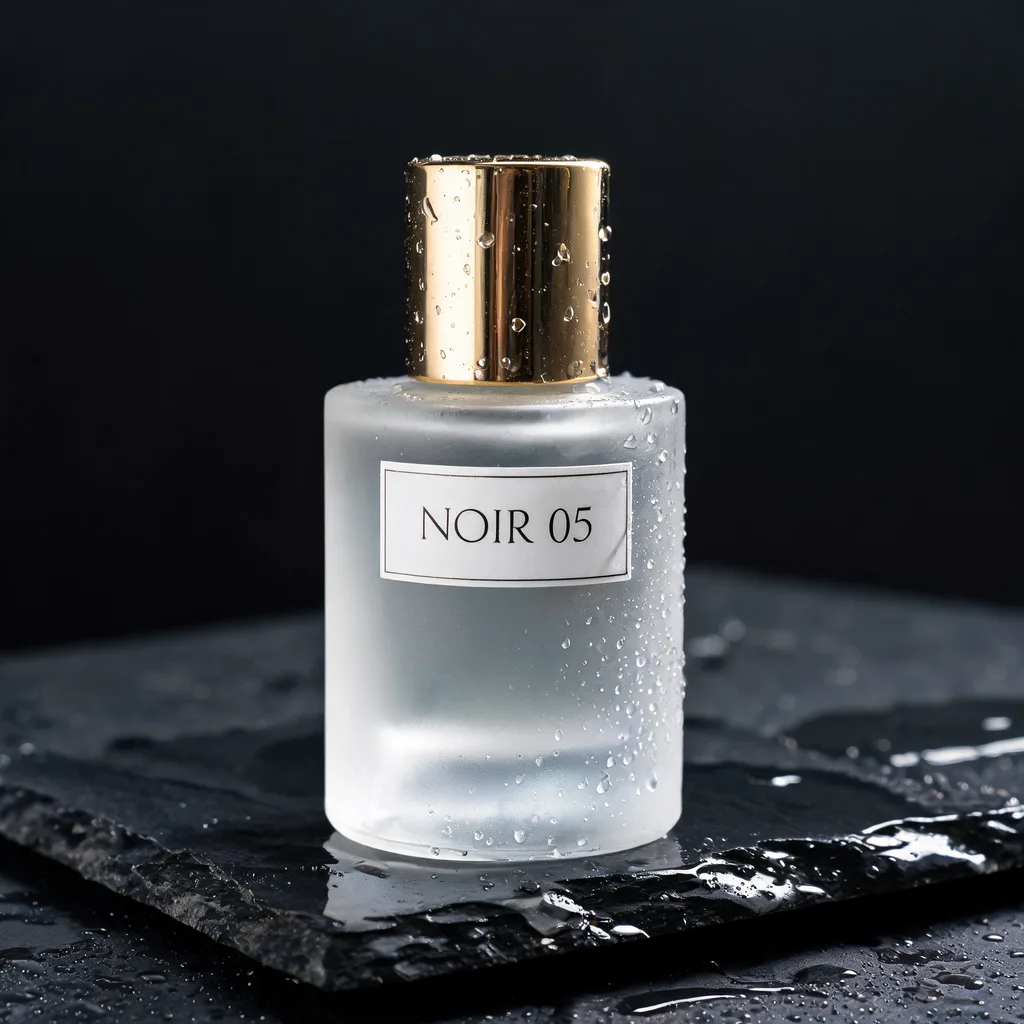
Example result. Describe your image to make yours.
Examples
Seedream 5.0 and Seedream 5.0 Lite on this page
On this page, Seedream 5.0 means the Lite model. It is the only model that runs here, and there is no picker to switch it. This site is an independent third party, not run or endorsed by ByteDance or the Seed team.
One tool panel covers two jobs. Leave the reference tiles empty and your prompt becomes a new image. Add up to ten reference images and the same prompt edits or combines them.
Before your first run, the result area shows the page's example. Your own image replaces it when the run finishes.
Seedream 5 at 2K, 3K or 4K
This page offers three sizes: 2K (the default), 3K and 4K. Pick a size, then one of eight aspect ratios: 1:1, 4:3, 3:4, 16:9, 9:16, 2:3, 3:2 or 21:9.
Each run makes one image. Changing the size or ratio means running again. The download button saves the file as the model returns it, and there is no separate upscaler.
A larger size is not always the better pick. A 2K image is enough for most feed posts and slides, while 3K and 4K give you room to crop or print a poster. Decide before you run: the site-wide allowance is one free image.
Quoted words and reference images
The prompt is required and holds up to 2,700 characters. Put any words the image should show in quotes. It is AI output, so check the spelling.
With reference images, describe what to keep and what to change. Compare the result with your originals before you use it.
What to make with Seedream 5.0 Lite
Pick the aspect ratio for where the image will end up.
Posters with a headline
Quote the headline, such as "Summer Sale", and choose 2:3 or 3:4. Check the spelling before printing.
Wide banners and headers
Choose 21:9 or 16:9 at 3K or 4K for site headers, event banners and video thumbnails.
Phone wallpapers and stories
Choose 9:16 for vertical stories, reels covers and lock screens.
Product photo edits
Upload a product shot and ask for a new background. Say that the product itself should stay the same.
Concept art and mood boards
Describe a scene in text only, at 4:3 or 3:2, to explore a look before a real shoot or illustration.
Square social posts
The default 1:1 at 2K suits feed posts, avatars and shop thumbnails.
Combining references
Add up to ten images, for example a person, an outfit and a place, and say how they fit together.
Before you press Generate
- Write the prompt first: it is required, even when you add reference images.
- Say what to keep as well as what to change, for example "keep her face and outfit, change the background to a beach".
- Put every word the image should show inside quotes.
- Use JPG, PNG, WebP or HEIC files up to 10 MB each, at most ten.
- Choose the aspect ratio for where the image will be used.
- You get one free image, so pick 2K, 3K or 4K before you run.
- Compare the result with your originals and check any text in it.