
Seedream 4.5
Create or edit images with Seedream 4.5 from a prompt and up to ten reference images, at 2K or 4K. Try one free image, no sign-up needed.
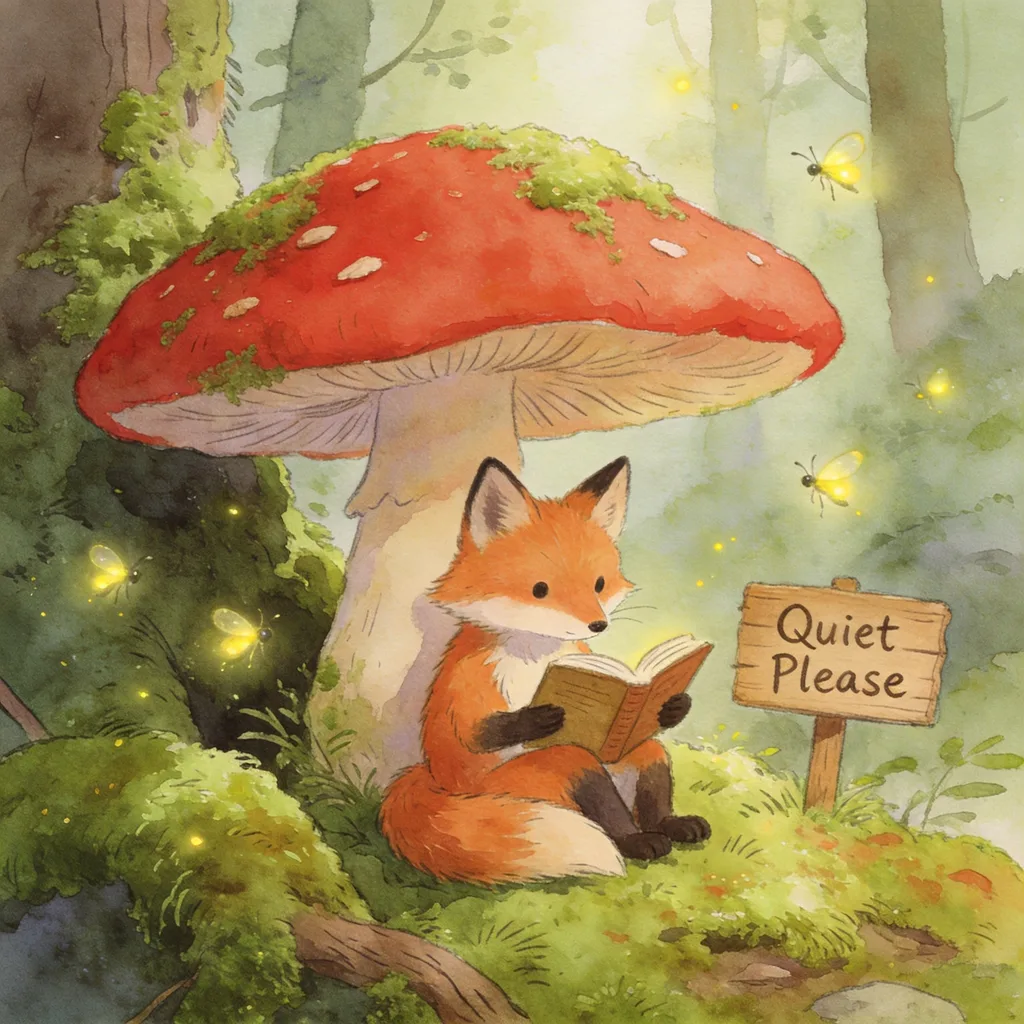
Example result. Describe your image to make yours.
Examples
What Seedream 4.5 does on this page
One model, one prompt box, with or without reference images.
This page runs Seedream 4.5. Type a prompt and get one image, or add 1 to 10 reference images and say how to change or combine them. The same page does both, so there is no mode to switch.
Choose 2K or 4K and one of eight aspect ratios, from 1:1 to 21:9. The prompt can be up to 2,700 characters. Your prompt and reference images are only used to create your images and are never used to train AI models.
This site is an independent third party, not run or endorsed by ByteDance or the Seed team. The result is AI output, so compare it with your references before you use it.
Made for
- Poster makers
- Product sellers
- Character artists
- Social creators
- Designers
4.5 next to the 4.0 and 5.0 Lite pages
The settings each page on this site offers today.
| Seedream 4.5 page | Seedream 4.0 page | Seedream 5.0 Lite page | |
|---|---|---|---|
| Resolutions | 2K, 4K | 1K, 2K, 4K | 2K, 3K, 4K |
| Default resolution | 2K | 2K | 2K |
| Prompt length | 2,700 characters | 4,700 characters | 2,700 characters |
| Reference images | 0 to 10 | 0 to 10 | 0 to 10 |
| Aspect ratios | Eight | Eight | Eight |
| Free allowance | one, shared by all pages | one, shared by all pages | one, shared by all pages |
What to make with Seedream 4.5
Jobs that fit the controls this page has.
Posters with a headline
Put the words in quotes, such as a headline that reads "Summer Sale". Check the spelling in the result.
Product scenes
Upload a product photo and ask for a new setting around it, such as a window ledge or a plain studio backdrop. Say that the product should stay the same. Compare the label and shape with your original.
Same person, new place
Add a portrait and write what to keep, for example her face and outfit, then what to change, such as the background.
Mixing several images
Add up to ten references and say what to take from each, like a character from one image placed into another scene.
Vertical stories
Pick 9:16 for phone-first posts, or 3:4 and 2:3 for portrait frames. Choose the shape before you run, since each run makes one image and you cannot change the ratio afterwards.
Wide banners
Use 16:9 for covers and headers, or 21:9 for a cinematic strip. Pick 4K when you want more pixels to crop from.